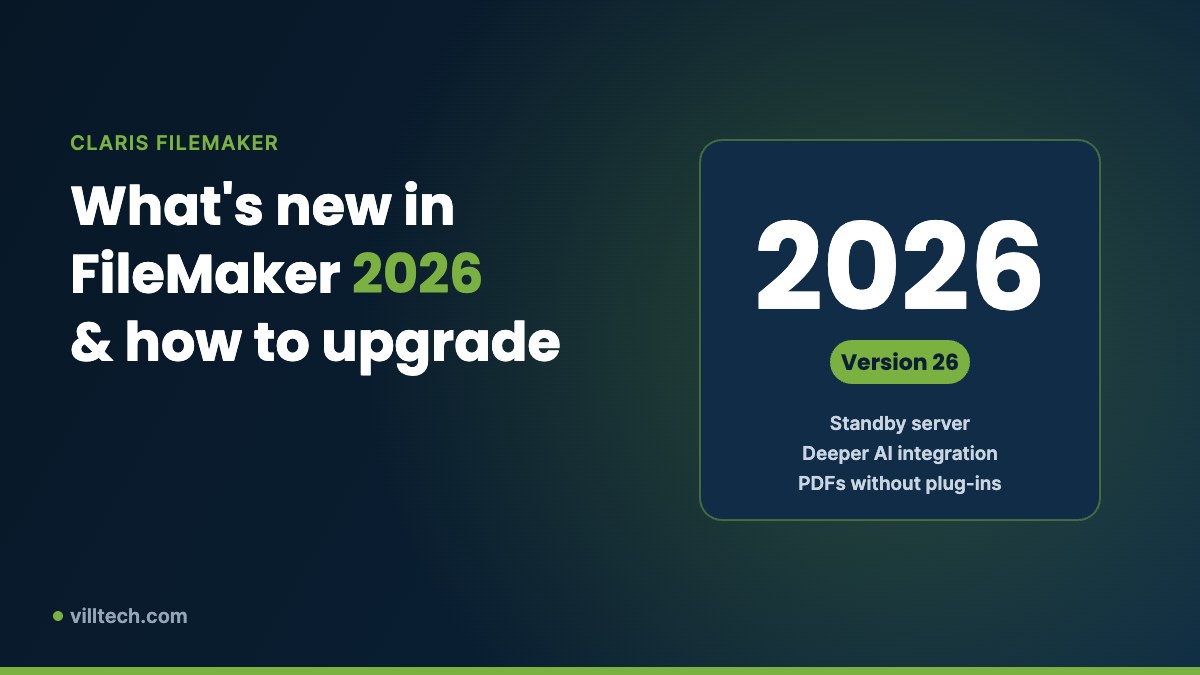
Claris released FileMaker 2026 in June 2026. It is version 26: Claris skipped versions 23 to 25 so that the version number now matches the year. Since then, Claris has shipped updates 26.0.1 through 26.0.3 with reliability and security fixes. Here is what matters for businesses and how to plan your upgrade.
Business continuity with a standby server
FileMaker Server 2026 adds standby server support, so a second server can take over if the primary one fails. For companies that depend on FileMaker every day, this is a major step for resilience and disaster recovery.
Deeper AI integration
FileMaker 2026 builds on the AI features introduced in recent versions, with expanded support for large language models, including Google Gemini. That makes it easier to add features such as document reading, summaries and smart search directly inside your FileMaker apps.
PDFs without plug-ins
Creating PDF documents no longer requires a third-party plug-in, which simplifies solutions that generate invoices, reports or packing lists.
Developer productivity and user experience
The release also includes tools that help developers organize and maintain solutions, plus user experience and accessibility improvements.
How to plan your upgrade
- Check system requirements. FileMaker 2026 requires macOS 15 or Windows 11 on desktop computers. Check your server operating system against the Claris requirements too.
- Your files stay compatible. FileMaker versions 12 and later use the same file format, so you don’t need to convert your files.
- Test first. Run a copy of your solution on the new version and test scripts, plug-ins, integrations and printing before upgrading everyone.
- Upgrade the server, then the clients. Plan a short maintenance window, take a full backup and update FileMaker Pro and FileMaker Go users after the server.
- Use the upgrade to improve. An upgrade is a good moment to refresh layouts, add a dashboard or try the new AI features.
Sources: Claris downloads and release notes, DataTherapy upgrade guide, Walking to Web overview.
Want to put this to work in your business?
Book a free 30-minute check-up. We'll review your systems and give you a short list of quick wins, with no obligation.